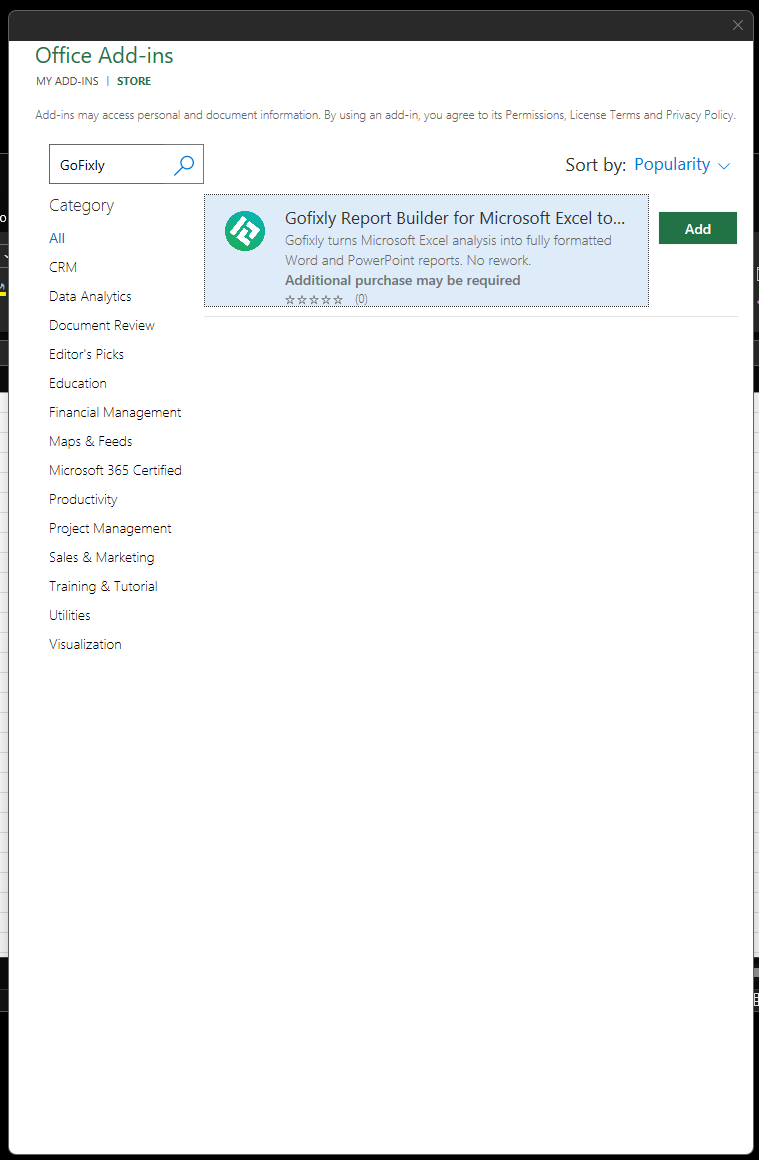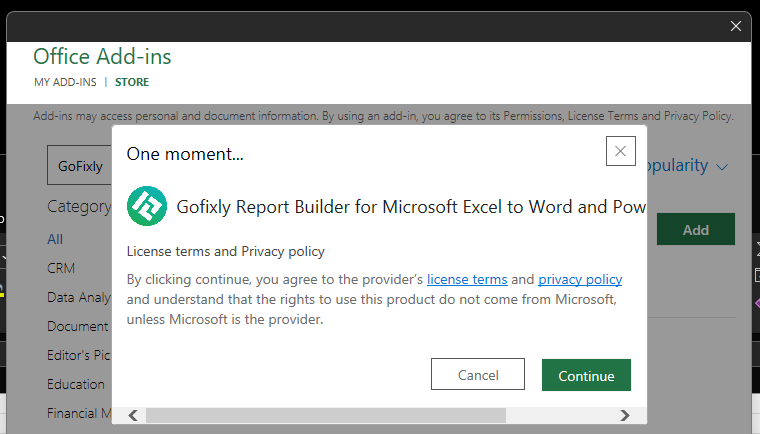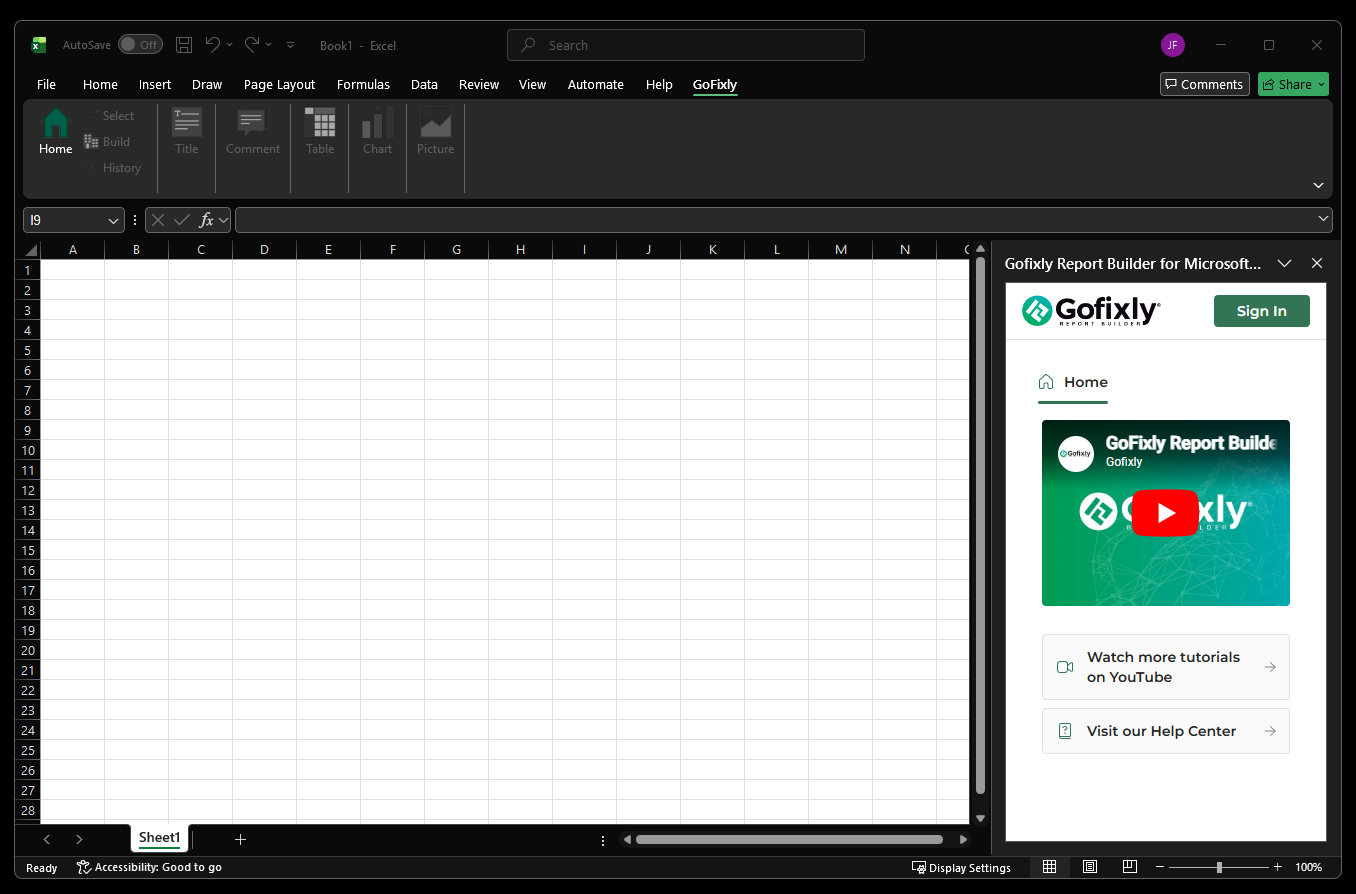
Install from Microsoft Marketplace
Best when you want to install from the web first and then open the add-in in Excel.
Open GoFixly in Microsoft Marketplace
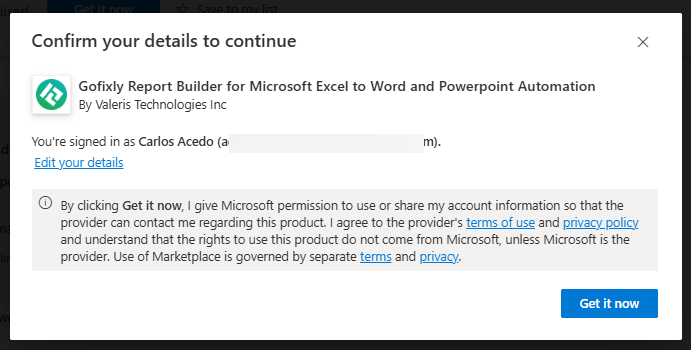
- 1Open the GoFixly listing in Microsoft Marketplace and click the "Get it now" button
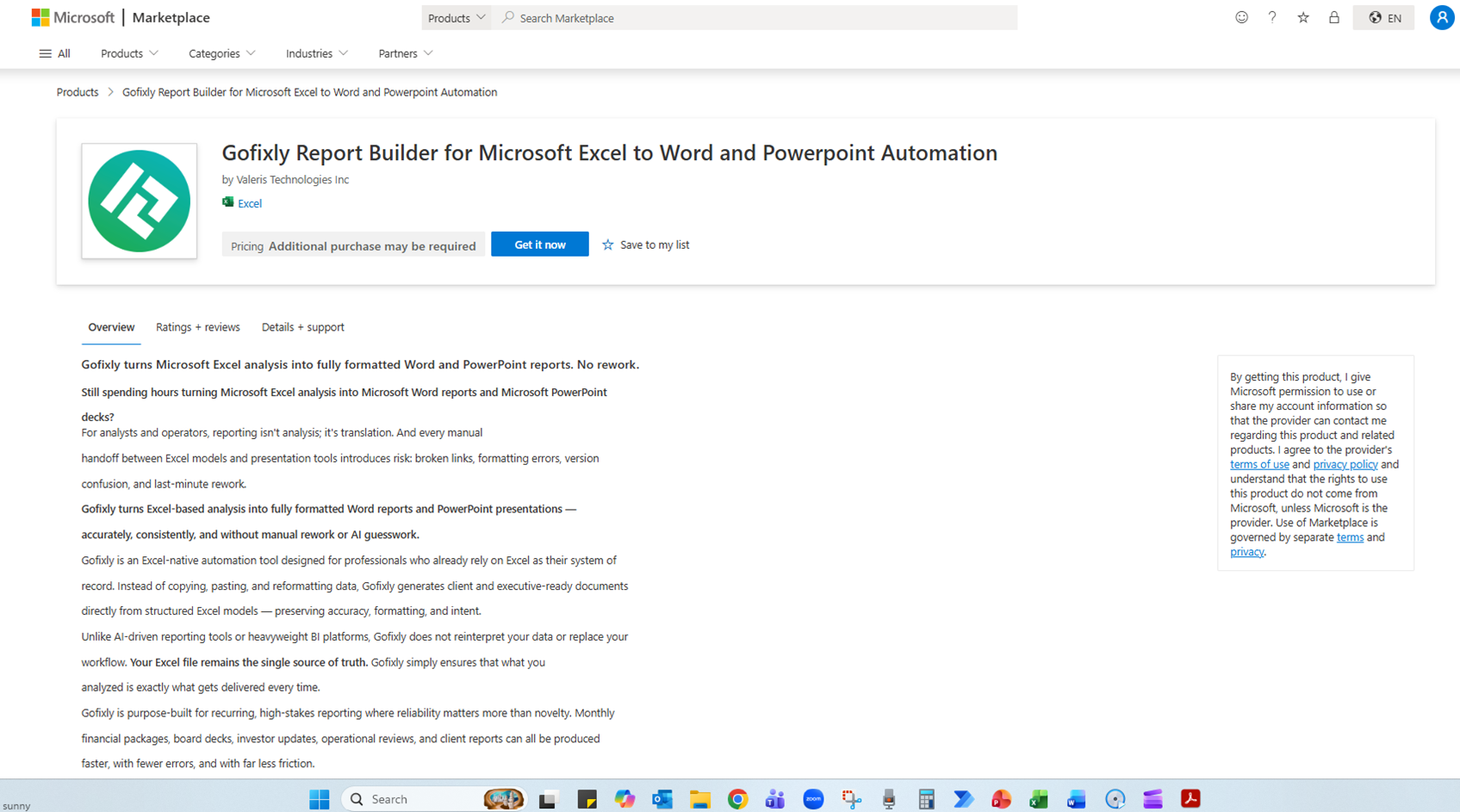 Click to open full size
 - 2Sign in with your Microsoft account if prompted
 Click to open full size
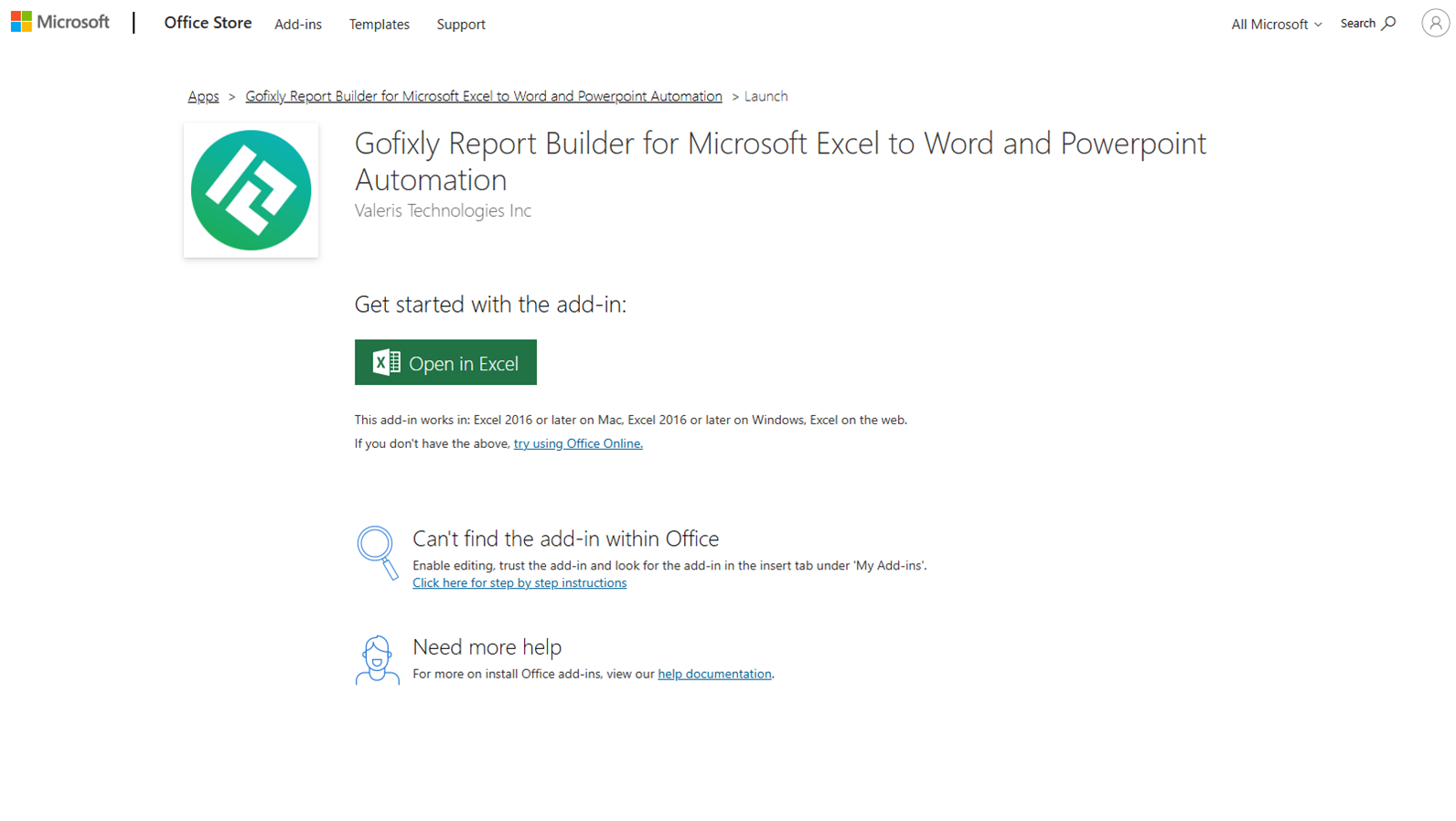
 - 3Continue through Microsoft's install flow
 Click to open full size
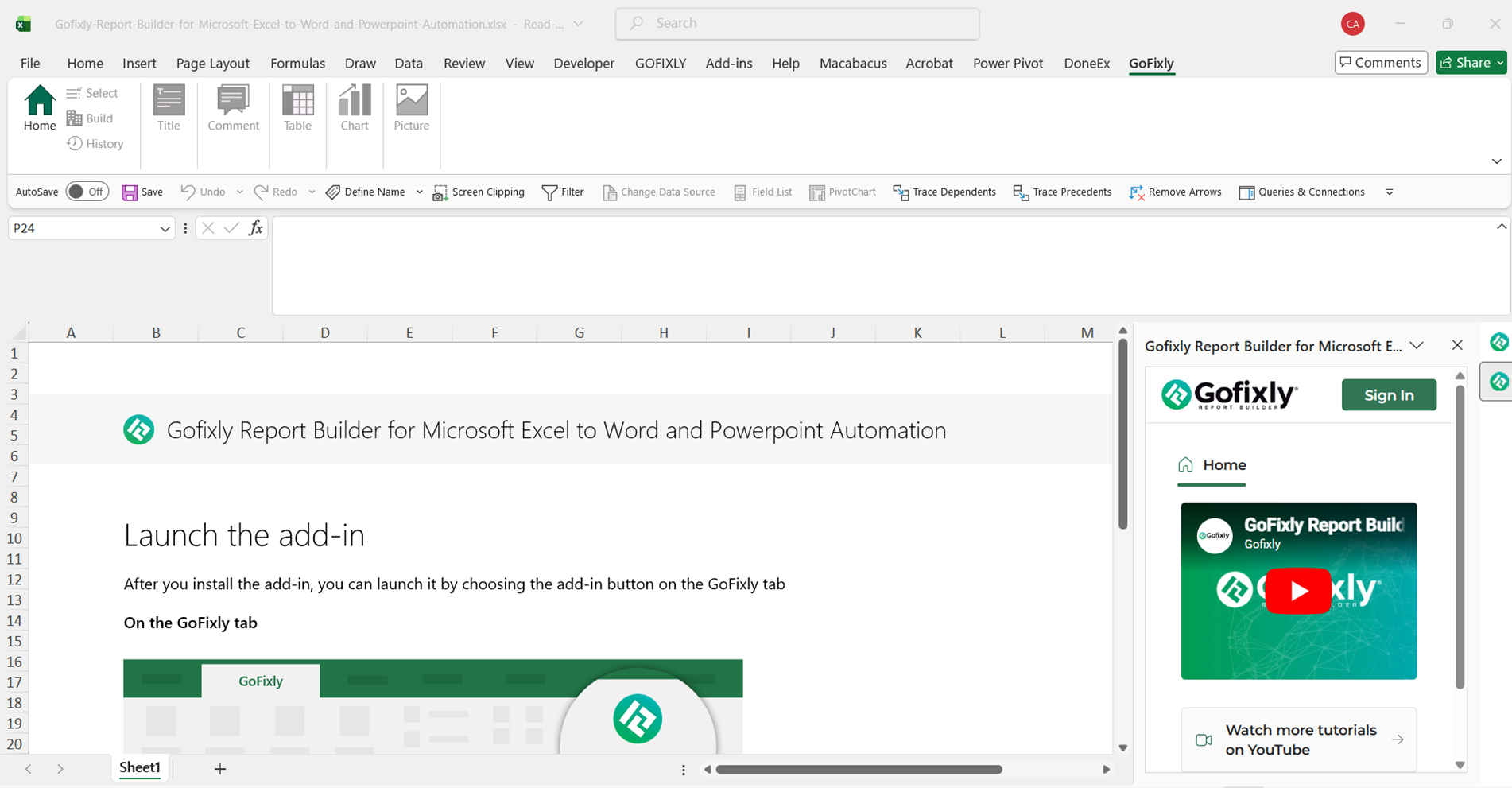
 - 4When the add-in is installed, you can open it from the Excel Home ribbon
 Click to open full size